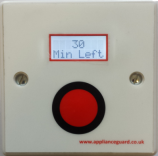

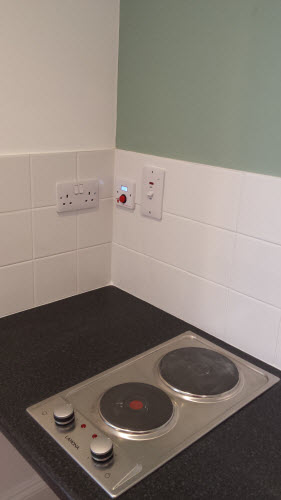


The Switchbox is preprogrammed with a 30 minute countdown which can not be changed by the user. The LCD displays a 30 minute countdown giving a visual display on time remaining before the electrical supply is turned off.
Step 1. Setup sample data
Go to template settings page and click button "Get started".

There are 2 options for you to choose: Install sample data on your current Joomla site or download the QuickStart package to install a full package of Joomla CMS, JSN Mico template and sample data.

The installation process would start instantly and you would get the website in less than a minute.
Step 2. Read template documentation and start playing

Done! Just 2 simple steps and you have sample data installed.
Now it's time to read documentation and play with the template. You can download documentation package for free.